
Private by default. Built for the pages you do not want to lose.
Turn paper pages, screenshots, and PDFs into one calm private library.
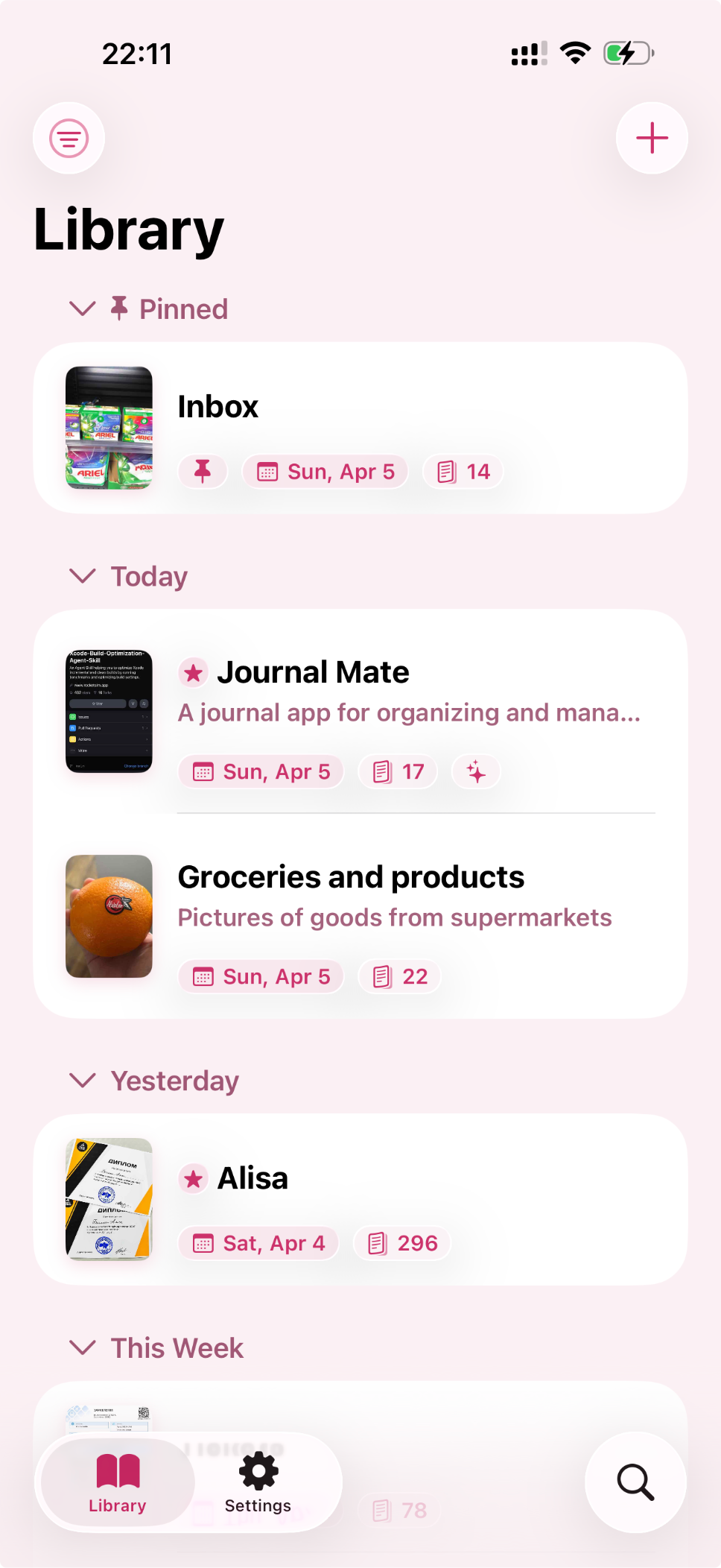
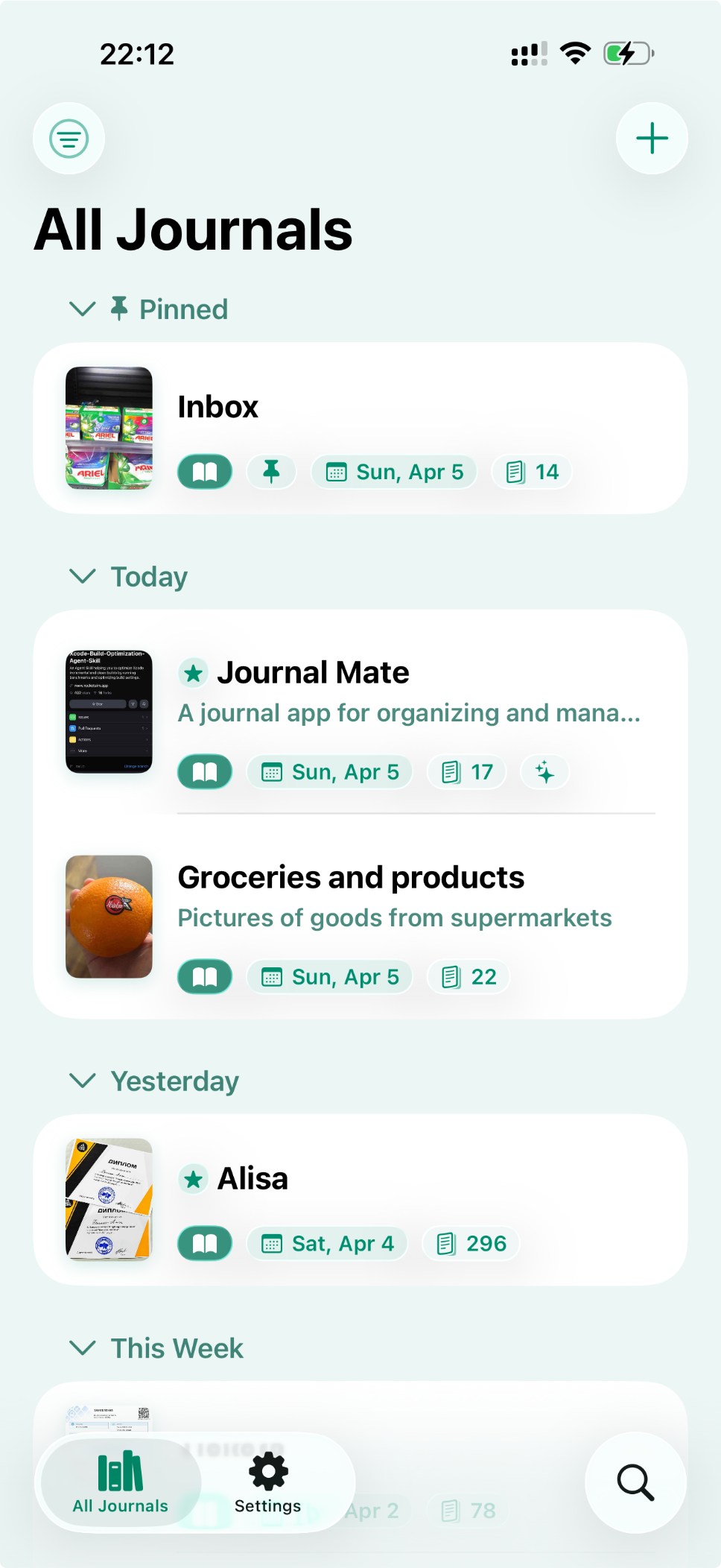
Journal Mate gives scans, saved images, and important documents one clear place to live, so you can find what you need later without digging through albums, chats, and folders.

Capture without friction
Bring every source into the same library.
Scan paper journals on the go, import screenshots from Photos, or pull PDFs from Files. Journal Mate keeps the capture step quick so the habit is easier to keep.
- 1
Capture pages before they disappear
Use the camera for paper journals, or import screenshots, receipts, and saved files before they sink into other apps.
- 2
Group everything into real journals
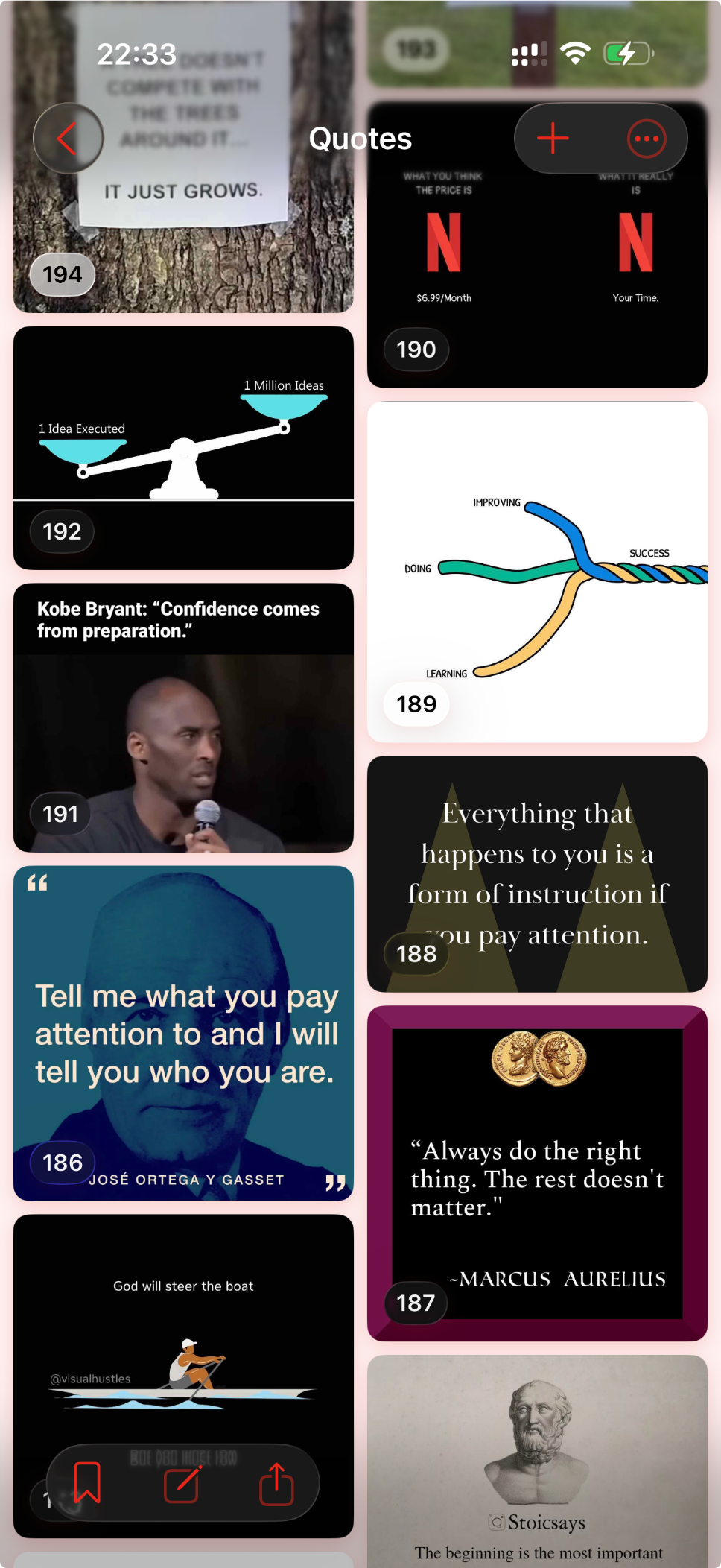
Keep related pages together in a structure that feels like a library instead of a loose folder of images.
- 3
Return to what you saved in seconds
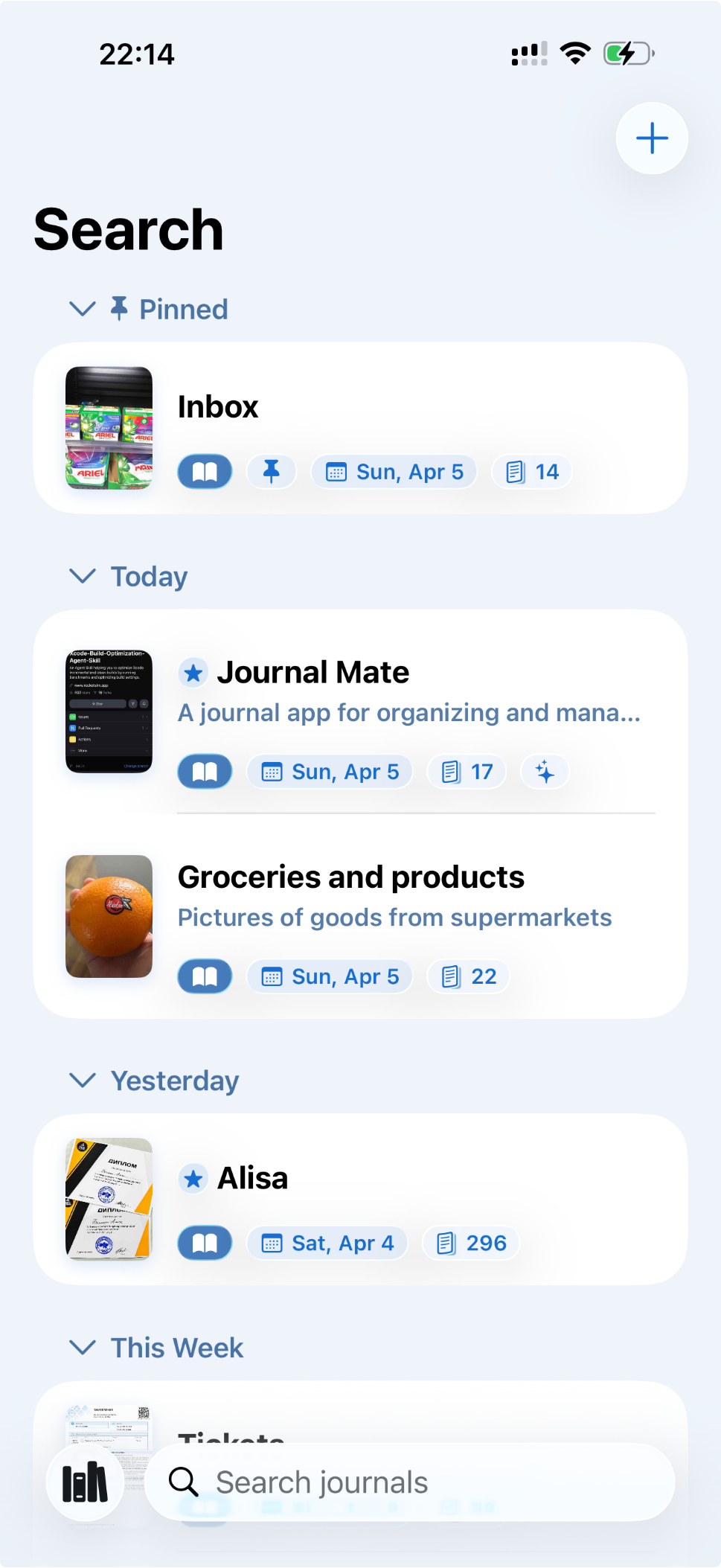
Search, pin favorites, archive older material, and keep the journals you revisit most right at the top.
Organize for retrieval
Find the right journal fast when your library grows.
Pin important journals, search by title and notes, move older volumes to Archive, and return to what matters without remembering where you saved it first.
Scan
Paper pages
Capture handwritten notebooks, receipts, and saved clippings straight from the camera.
Import
Screenshots and photos
Bring in image-based notes from Photos so they stop living in the same place as everything else.
Keep
PDFs and documents
Store supporting files beside the journals they belong to instead of scattering them across folders.
Trust the library
Your private library stays close, portable, and private.
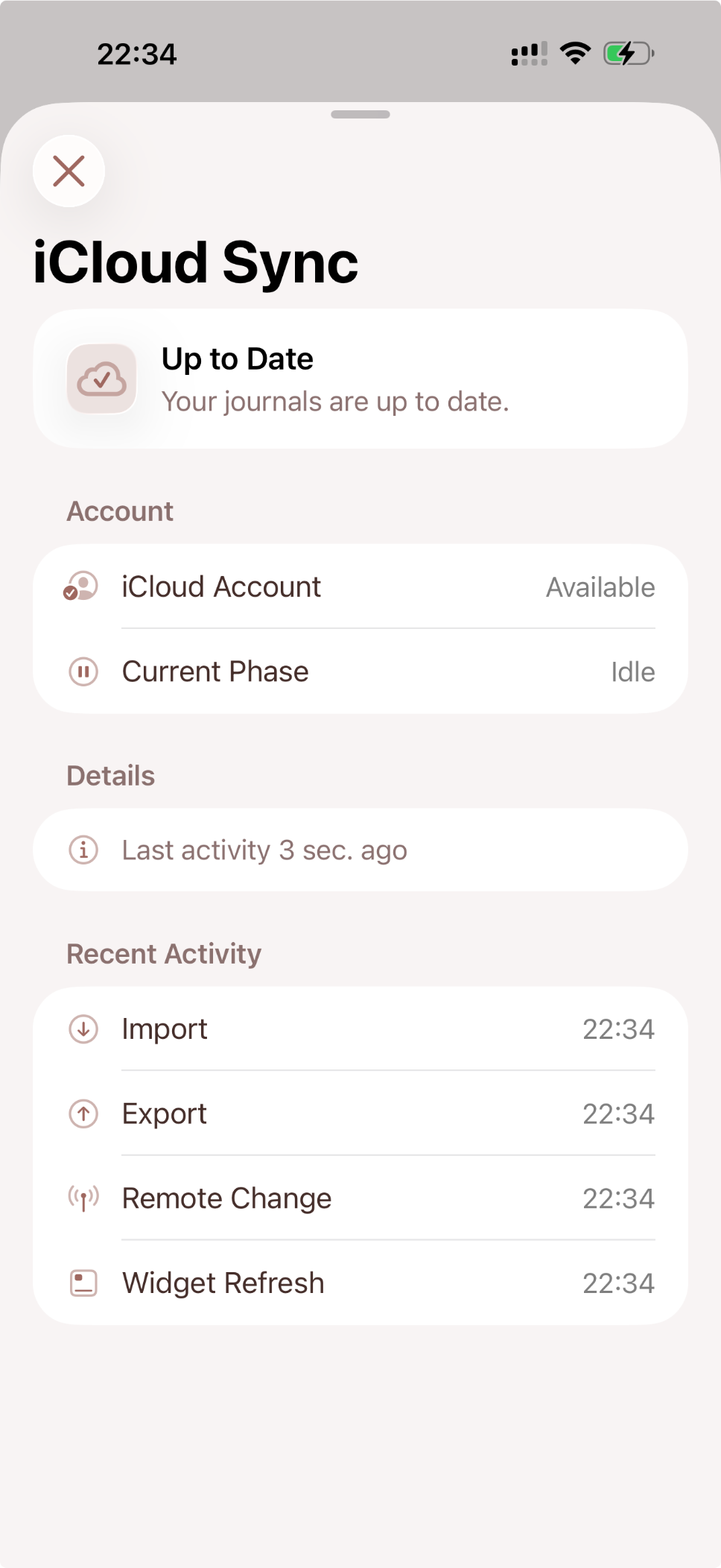
Sync through iCloud across Apple devices, share clean JPG, PNG, or PDF exports, and keep a backup when you want one more layer of safety.
Private by default, with no third-party ad SDKs or cross-app tracking inside the app.
iCloud sync keeps the same library within reach on your Apple devices.
Clean exports and backup tools make the archive easier to keep long-term.