
Your personal library
Journal Mate Media Organizer
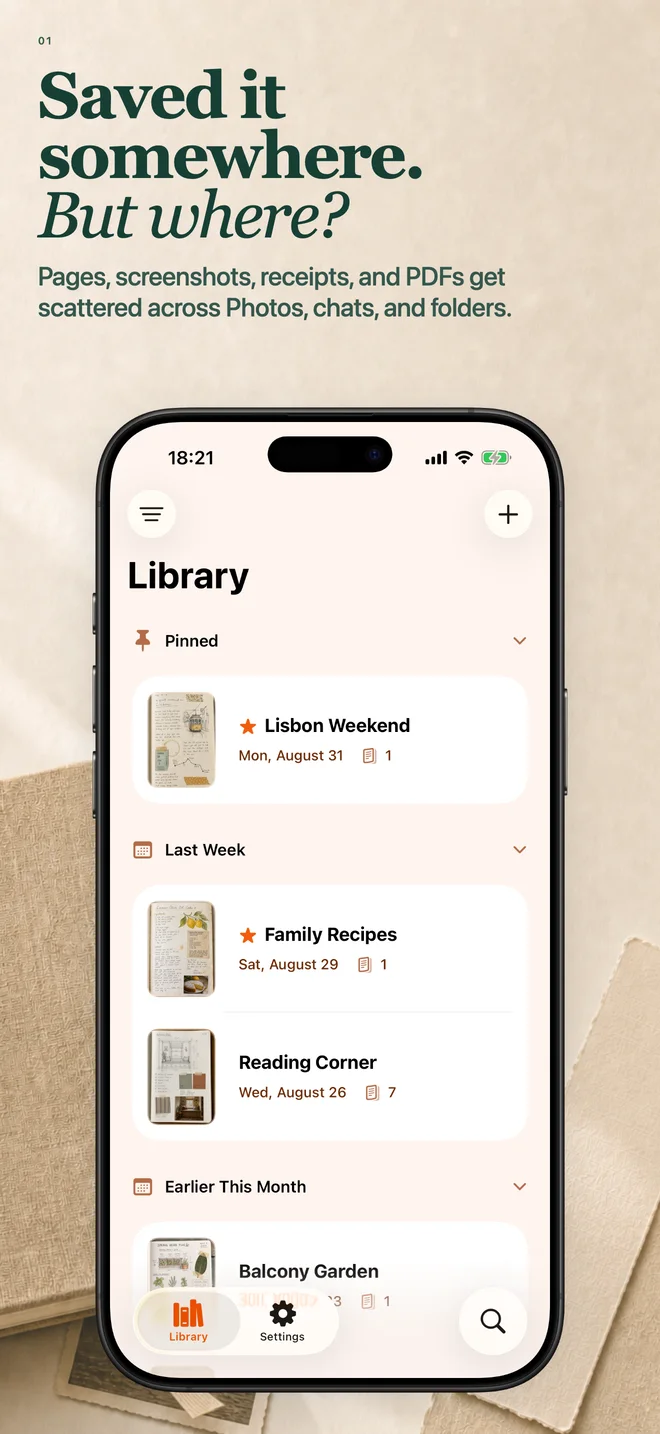
Keep scans, photos, screenshots, videos, PDFs, and saved links in one personal library - easy to find when you need them.
Journal Mate 5.2
New camera, automatic Stacks, and powerful editing for photos, GIFs, and videos


How it works
Capture
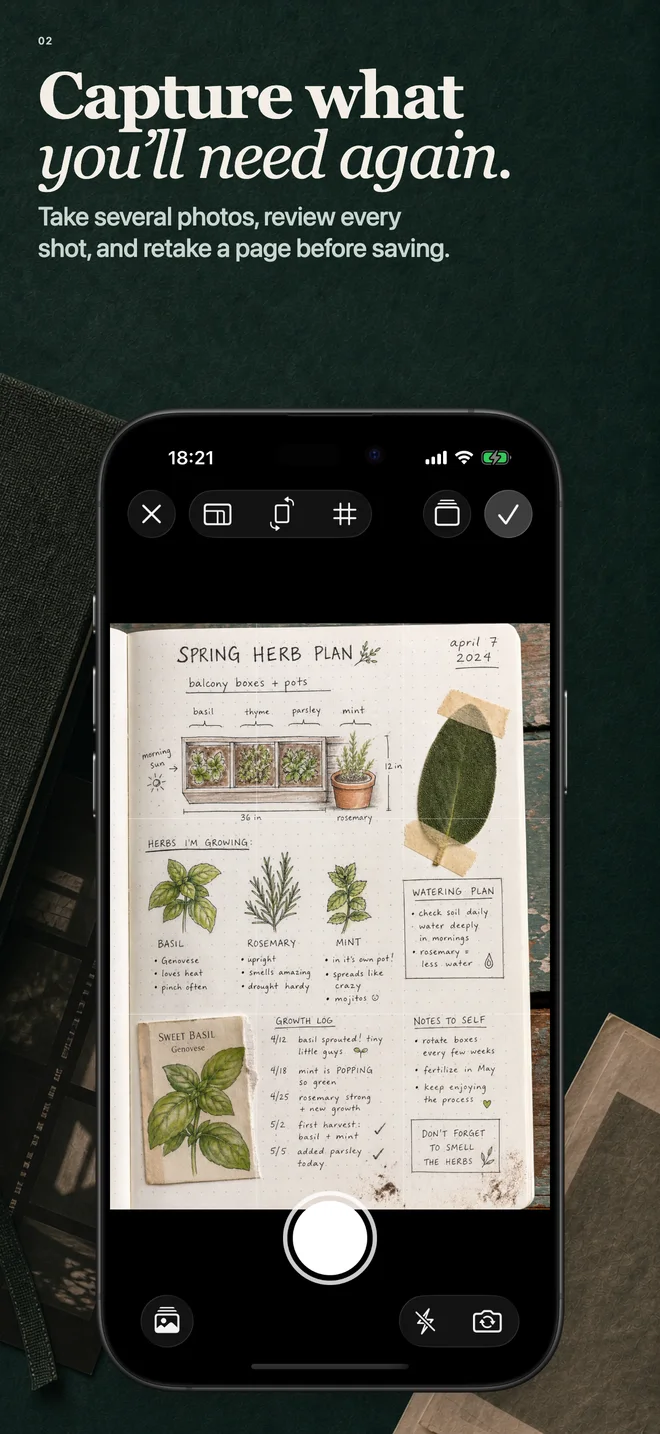
Take several photos, then review or retake each one before saving.
Organize
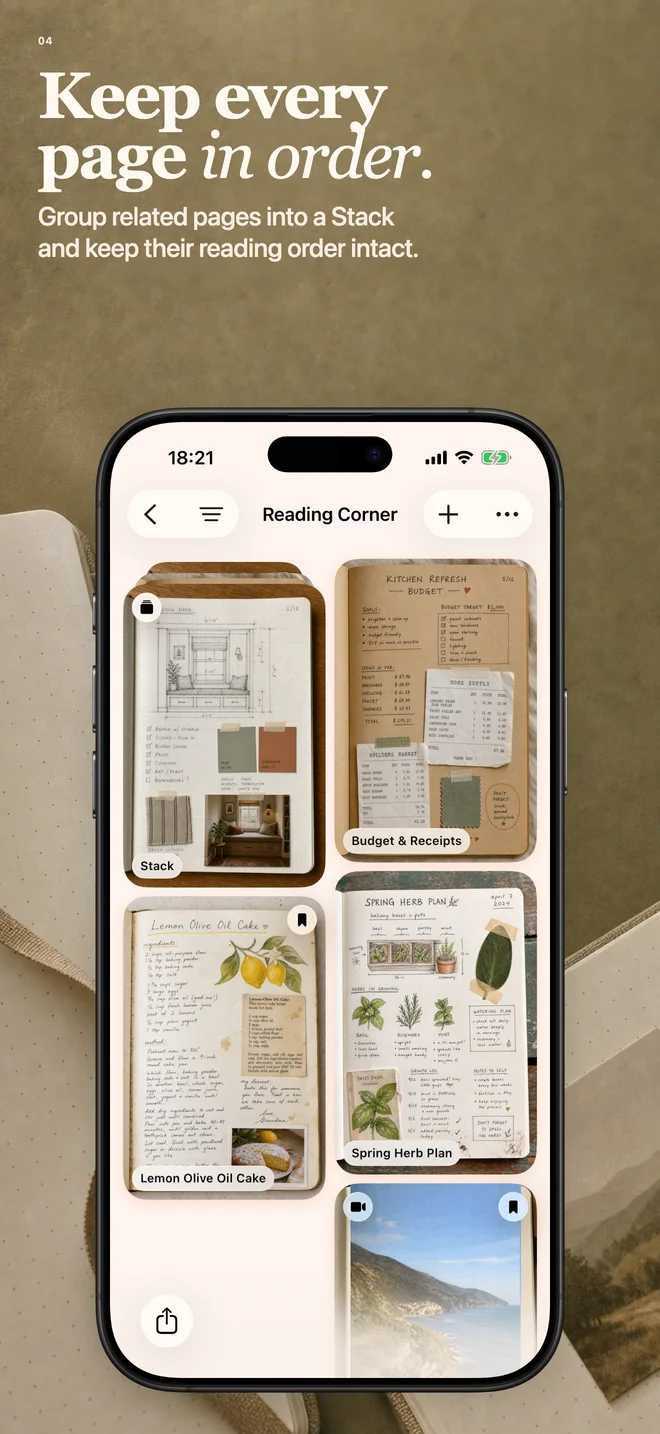
Keep related pages together with Stacks and automatic import grouping
Edit
Crop, adjust, and annotate photos, GIFs, and videos while keeping animation and motion intact.
Share
Share media files, create configurable PDFs with live preview, or export a restorable backup
Sources
Bring scans, media, PDFs, and links in
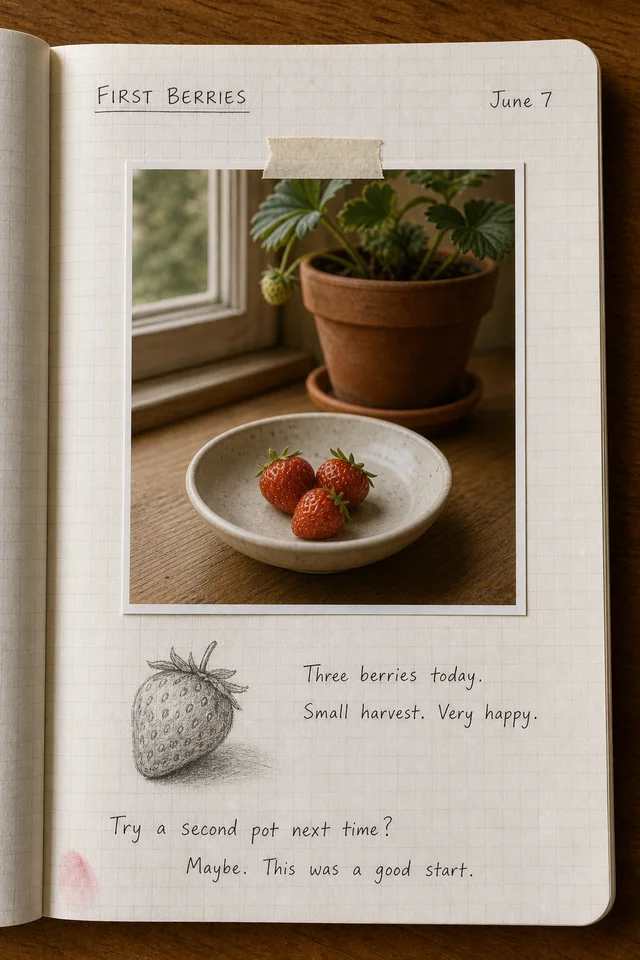
Scan paper
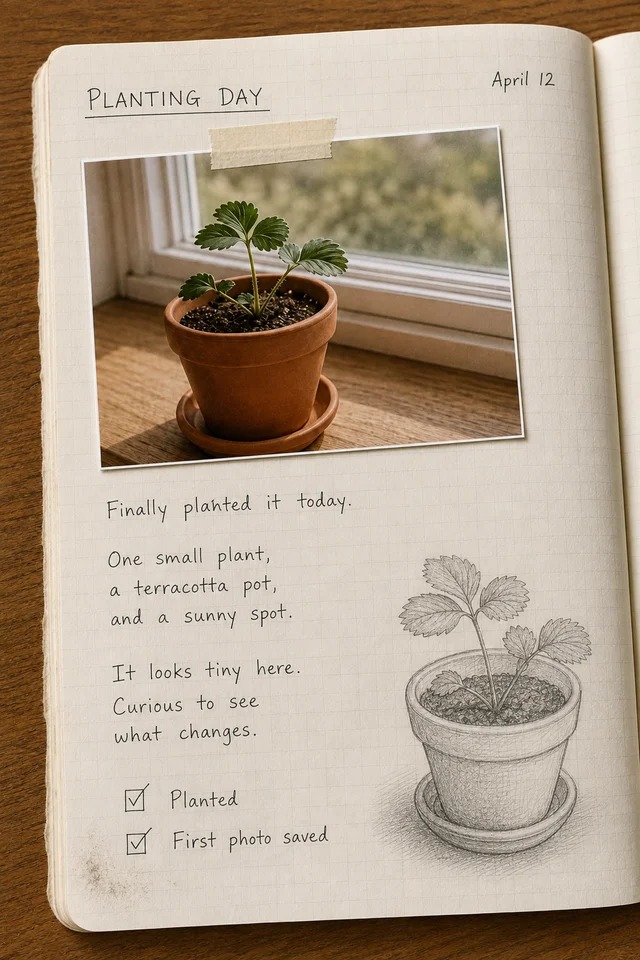
Notebooks, receipts, and handwritten pages while they are still in your hand.
Rescue your media
GIFs, videos, Live Photos, screenshots, and screen recordings out of the camera roll.
Keep PDFs close
Import PDFs and keep them beside the related pages.
Save from anywhere
Web bookmarks, YouTube, and places from Apple Maps or Google Maps, saved from other apps.
Blog
Latest
- Journal Mate 5.2A new camera, automatic Stacks, photo and video editing with motion preserved, and configurable PDF exports.
- Journal Mate 5.1The 5.1 release adds richer media support, drag and drop in Pages, better Settings, stronger performance, and a free Share Extension for everyone.
- Journal Mate 5.0Journal Mate 5.0 refreshes capture, search, backup, and trust so the pages you save are easier to keep together and easier to find later.
YOUR DATA, WITHOUT TRACKING
Your library stays yours
Sync through iCloud and export a backup when you need a copy outside the app.
No tracking
No third-party ad SDKs or tracking across other apps.
iCloud sync
Keep your library in sync across your Apple devices.
Export & backup
Share media files, create PDFs, and save a restorable backup.
VoiceOver + Dynamic Type
Screen reader support and text that adapts to your preferred size.
- Free
- 50 active pages
- Pro
- Unlimited pages · Every color theme